
Updated September 8, 2026. This practical guide is informed by current public guidance and the day-to-day questions The Hearing Guy team helps patients work through in Asheville and Hendersonville. It provides general education and does not replace instructions for your exact device or individualized clinical care.
Traditional Bluetooth usually creates a personal connection between devices. Auracast lets one transmitter broadcast audio to many compatible receivers. That difference can matter for televisions, airports, theaters, meetings, and places of worship.
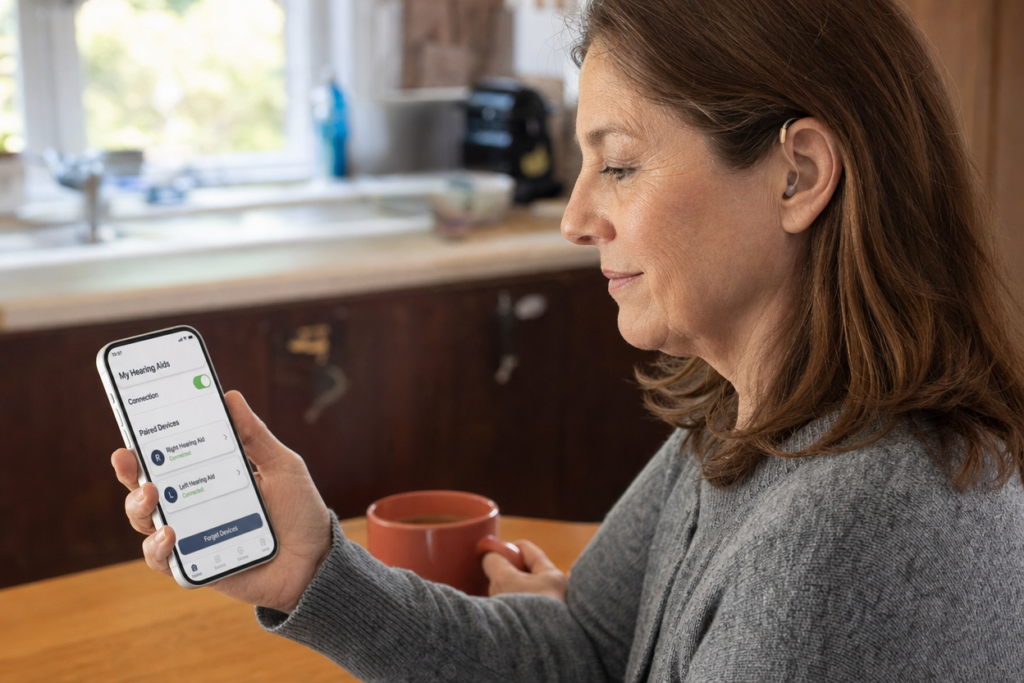
Auracast is not a replacement for every Bluetooth feature. It is a new broadcast capability within Bluetooth LE Audio. A hearing aid can support phone calls and music streaming without supporting Auracast, and an Auracast receiver may still depend on a compatible phone or app to find the broadcast.
The practical difference
| Question | Familiar Bluetooth | Auracast broadcast audio |
|---|---|---|
| Connection pattern | Usually a personal paired connection | One transmitter can serve many receivers |
| Common use | Phone calls, music, apps, and accessories | Public address audio, shared television audio, and group listening |
| Joining | Pair through settings or an app | Select, scan, or join a broadcast using supported equipment |
| Compatibility | Depends on model, phone, and protocol | Depends on Auracast support across the receiver, assistant, and transmitter |
Why ordinary Bluetooth is not enough
The Bluetooth name covers several generations and profiles. A product listing that says Bluetooth does not confirm LE Audio or Auracast. Check the exact product name, model generation, firmware, and manufacturer documentation.
Where Auracast could be most useful
- Joining accessible audio from an airport gate or public address system
- Listening to a television at an individual volume
- Receiving audio in a lecture hall, theater, or place of worship
- Sharing one broadcast with several compatible listeners
- Using a compatible remote microphone in a difficult listening environment
What to verify before an upgrade
- Write down the exact hearing aid model, not only the brand.
- Confirm the current firmware and the app used with the devices.
- List the phone, television, tablet, and accessories you expect to use.
- Ask whether the hearing aids receive Auracast directly or require another device.
- Test the complete setup when possible.
- Keep familiar Bluetooth needs in the comparison, including calls and music.
Frequently asked questions
Is Auracast the same as Bluetooth?
Auracast is a Bluetooth broadcast feature. It changes how compatible audio can be shared, but it does not make all Bluetooth devices interoperable.
Will a software update add Auracast?
Sometimes features can change through firmware, but hardware support is also required. Use the current manufacturer documentation for the exact model.
Do I need a new phone?
That depends on how the hearing aids discover and join broadcasts. Some setups use a compatible phone as an assistant. Others may support a different joining method.
For the foundation, read What Is Auracast? For ordinary phone connections, use the Bluetooth and smartphone guide.
Bring the question to real life
Bring your hearing aids, phone, charger, and the listening situations you want to improve. A practical comparison is more useful than choosing from a feature label.
Contact The Hearing Guy to schedule a conversation in Asheville or Hendersonville.