Updated September 8, 2026. This practical guide is informed by current public guidance and the day-to-day questions The Hearing Guy team helps patients work through in Asheville and Hendersonville. It provides general education and does not replace instructions for your exact device or individualized clinical care.
Auracast compatibility must be confirmed by exact model and current documentation. A brand name, Bluetooth logo, or recent purchase date does not prove that a hearing aid can receive an Auracast broadcast.
The five part compatibility chain
- Receiver: the exact hearing aids, earbuds, headphones, or speaker.
- Firmware: the current software installed on that receiver.
- Assistant: the phone, app, or other interface used to find and join a broadcast.
- Transmitter: the television accessory, public system, phone, or computer sending the audio.
- Use case: the actual public or private listening situation.
Every part must work together. A compatibility statement about one part should not be stretched to the entire chain.
How to identify your hearing aids
- Check the device, charger, case, app, purchase paperwork, or provider record.
- Record the full model name, style, and generation.
- Do not rely only on a family name used across several generations.
- Confirm whether both hearing aids have the same model and firmware.
Questions to ask the manufacturer or provider
- Does this exact model receive Auracast broadcasts today?
- Is a firmware update required?
- Which phones and operating systems can act as an Auracast assistant?
- Can the hearing aids connect without a phone?
- Which current accessories can transmit Auracast?
- What happens to familiar Bluetooth calls and music streaming?
Use current product directories carefully
The Bluetooth SIG maintains an informational directory of Auracast products and notes that availability can change. Manufacturer support pages are the better source for the exact product family, compatible accessories, and required setup.
Frequently asked questions
Can older hearing aids receive Auracast?
Some cannot because required hardware is missing. Others may receive features through supported updates. Check the exact model.
Does LE Audio always mean Auracast?
Do not assume it. Confirm that the specific product supports the broadcast role you need.
Can I test Auracast before buying?
That depends on available transmitters and demonstration equipment. Ask to test the complete use case when possible.
Start with What Is Auracast? if you want a plain language foundation.
Bring the question to real life
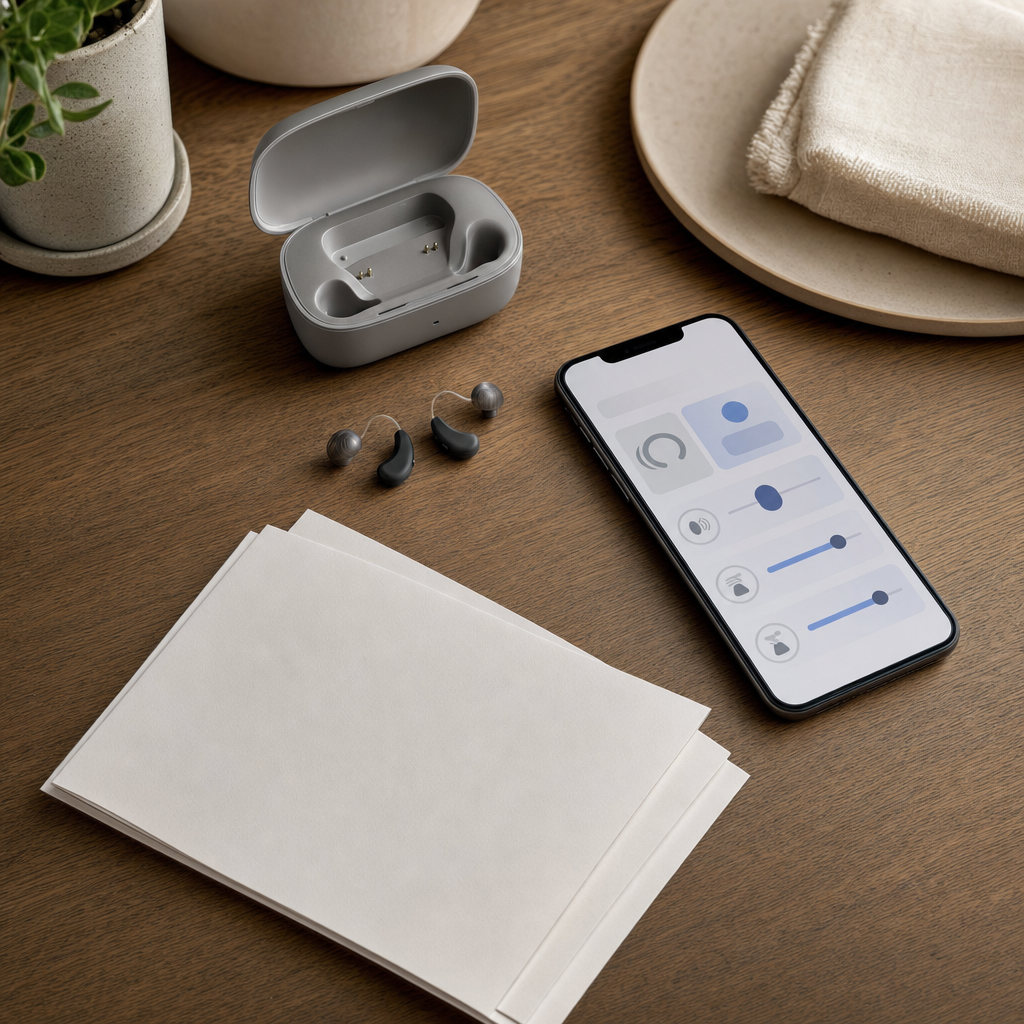
Bring the hearing aids, charger, phone, app version, and product paperwork. An exact inventory makes the compatibility answer much more reliable.
Contact The Hearing Guy to schedule a conversation in Asheville or Hendersonville.